Clean PvP 16x Resource Pack for 26.4 / 1.21.11 (Smooth Visuals)
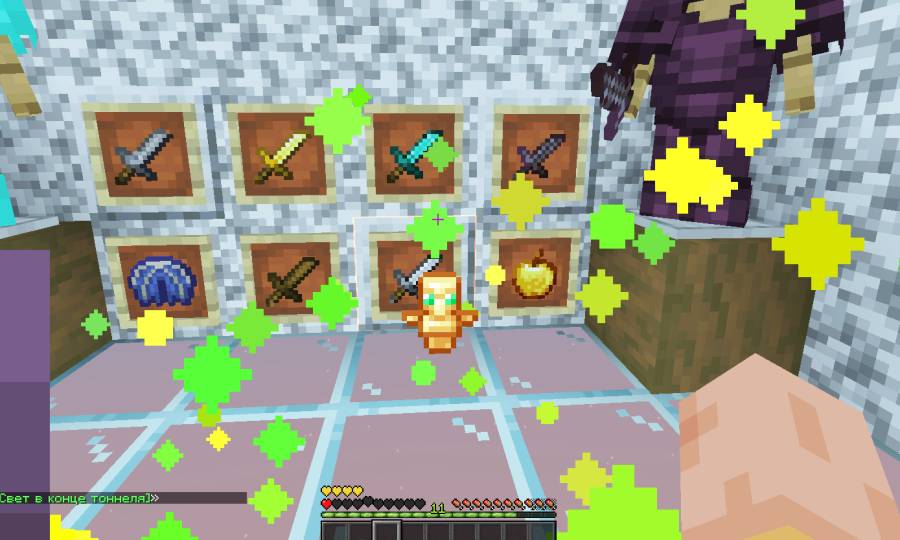
Clean PvP 16x Resource Pack for 26.4 will elevate your combat experience with subtle, high-clarity visual tweaks that preserve the original Minecraft aesthetic. Clearer sightlines, cleaner UI, 100% vanilla feeling across the game. It will provide a lower resolution of 16×16 in this pack. This Resource Pack have been developed by the An_0.
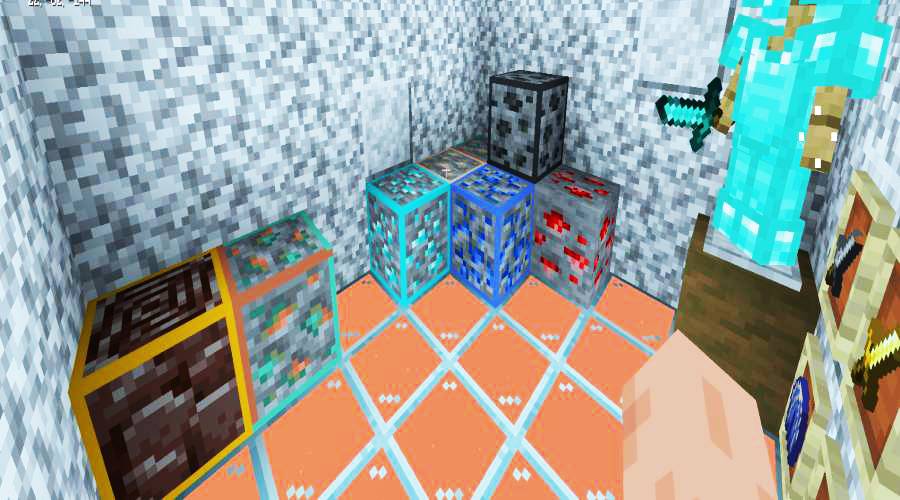
This Resource Pack will bring shortened swords, low fire, and scaled-down held items keep your field of view wide open during combat. For everyday survival, enjoy practical visual upgrades including outlined ores, refined netherite armor, and a sleek dark GUI.
Clean PvP 16x Resource Pack Updates for 26.3:
Combat Visual Upgrades:
- 🗡️ Dagger Swords — Compact, low-profile sword textures.
- 🔥 Low Fire — Minimal screen obstruction while burning.
- 🌾 Compact Items — Smaller food and off-hand totems.
- ✨ Reduced Totem Pop — Subtler activation animation.
- 💣 Refined TNT — Updated texture for tactical play.
Familiar Style:
-
Outlined Ores: Crisp borders make high-value ores easy to spot in deep caves.
-
Refined Netherite Armor: A sleek, modernized redesign that complements the pack’s aesthetic.
-
Dark Mode GUI: Clean, dark inventory menus that are easy on the eyes during late-night sessions.
Provided Vanilla Tweaks:
-
Circular Sun & Moon: A smoother, natural skybox aesthetic.
-
Quieter Soundscape: Softened audio for loud explosions and heavy rain.
-
Clean Bedrock: A less harsh, clutter-free bedrock texture.
-
Visual Polish: Selected consistency fixes across vanilla textures.
Images:
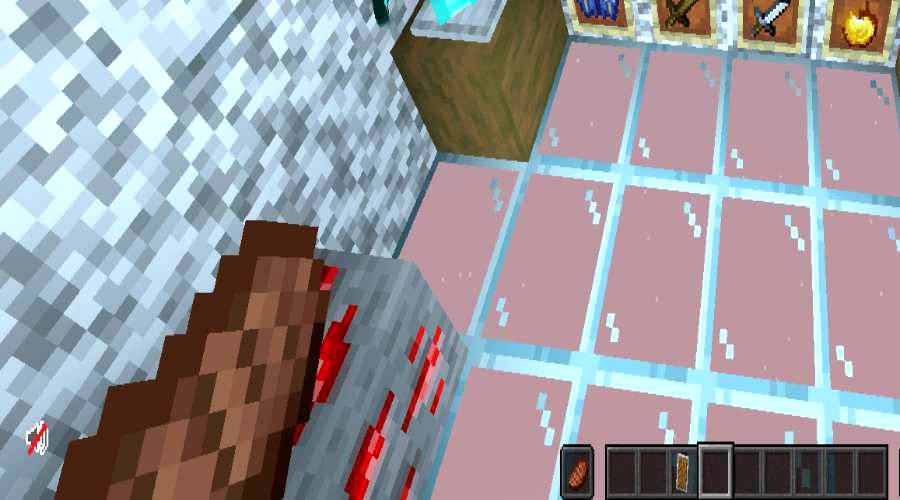
Clean PvP 16x Resource Pack 26.3 – 1.21.11 Download:
For Minecraft 26.3:
- Clean-PvP-16x
- Developer: Clean-PvP
For Minecraft 1.21.11:
How to Install This Resource Pack:
- Few steps for the Installation for this Resource Pack.
- Download this Resource Pack.
- You will get a .zip file for this Resource Pack.
- You will have to open the %appdata% folder.
- Then you will have to go to .minecraft folder.
- You will have to go to Resource Pack Folder.
- Move the downloaded .zip file into that folder.
- After it then you will have to run Minecraft after placing the .zip file.
- Then You will have to Open Minecraft.
- Have fun.
Note:
We do Recommend you to Download and install OptiFine HD to enhance your gaming experience with Shaders.
Disclaimer:
We also do try to take very good care of the links that will be available here. But sometimes some developers of the Original download links remove their links from the Third Party websites. In that case we will need some assistance from the users in this regard. Please Inform us If you do find some broken links or content in the comments section below. We will try to give you the working links as soon as we can, We are updating these Resource packs regularly and If you do find some broken, fake or any links that will have virus or deleted ones, Kindly let us know in the comment section. We do try to give all the genuine links for every contents that are available here.